

Meet our biggest update yet
The 2026–27 season brings exciting new features to Memento Yearbook, from real-time collaboration and reusable books to a redesigned editor. Here are the highlights.
The 2026–2027 school year opens with the largest Memento Yearbook release yet, including but not limited to new features and improvements across the Book Manager and the Page Editor, with more arriving through the fall.
Most of them come straight from feedback studios and schools sent us last season. The goal is simple: less friction for the people building the book, and more control for the people responsible for it.
Here is what stands out.
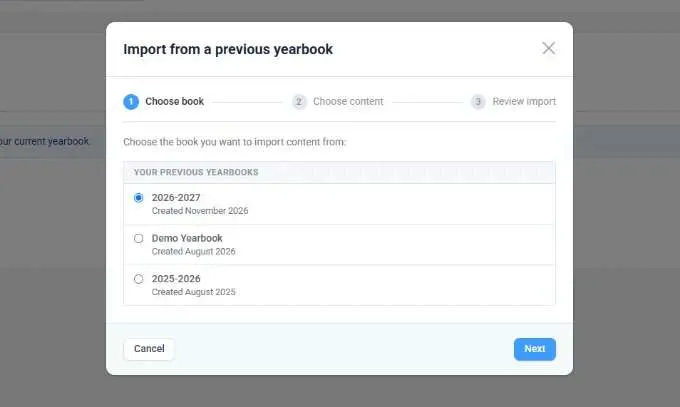
Import your previous yearbook
Reuse a whole book, a section, or a single page.
Start the new book from last year's, or bring individual sections and pages from a previous book into the current one at any point in the season. Reuse what works and update what changed.
Work together without waiting
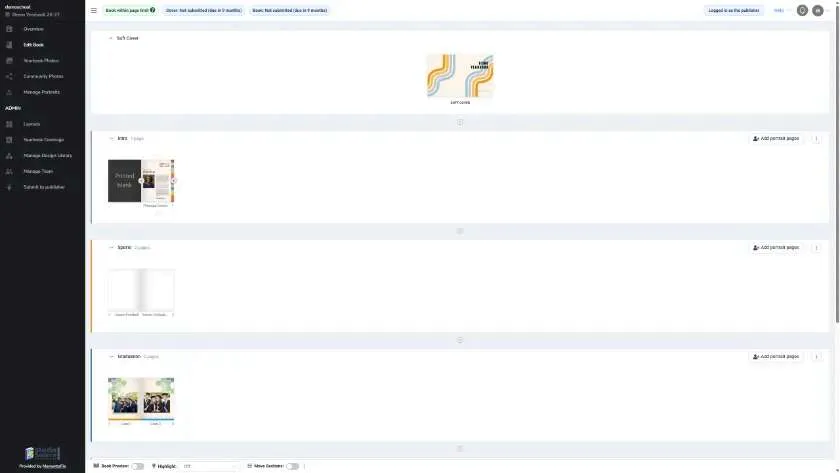
Check-in and check-out are gone.
Add sections, add pages, and manage portraits while the rest of the team keeps working. Everyone sees changes as they happen, with a short note explaining what just changed.
Smarter photo organization
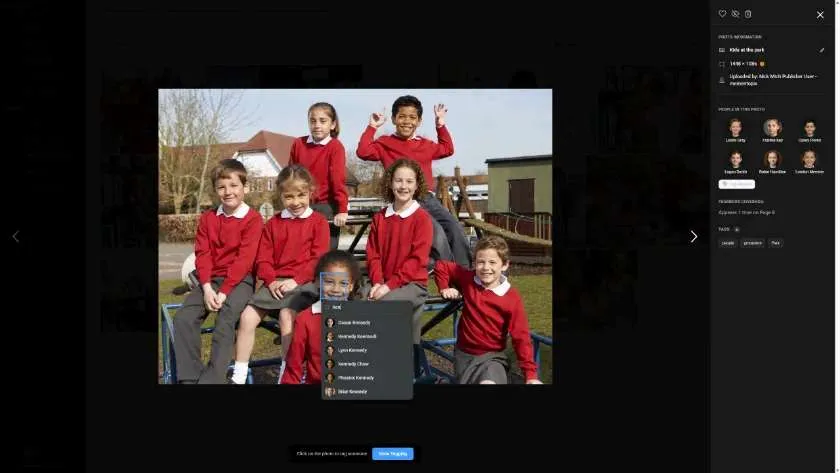
A redesigned photo album with favorites, hidden photos, and automatic tags.
View photos full screen, see who added each one and when, mark favorites, and hide images without deleting them. Topic tags are added on upload, and used images are flagged in the albums.

Portrait tools without facial recognition
Fast organization that keeps student privacy intact.
Memento's portrait tagging organizes photos quickly without biometric identification. Promote any portrait to a featured image and control where it sits in the section. Automatic index pages built from portrait tags arrive later this fall.
Better yearbook coverage
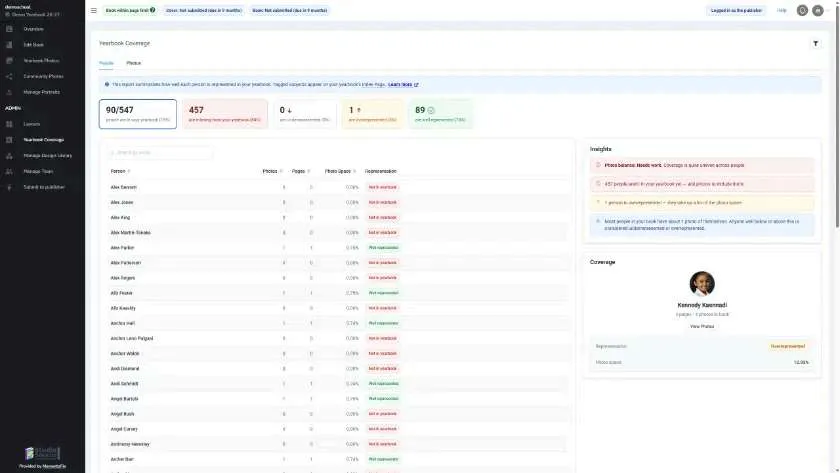
See who may be under- or overrepresented.
Yearbook Coverage now shows which students appear too little or too often throughout the book, with a quick way to see the photos connected to each student. Better visibility, and a more balanced yearbook.
Easier editing
Quick tools up top, deeper controls when you need them.
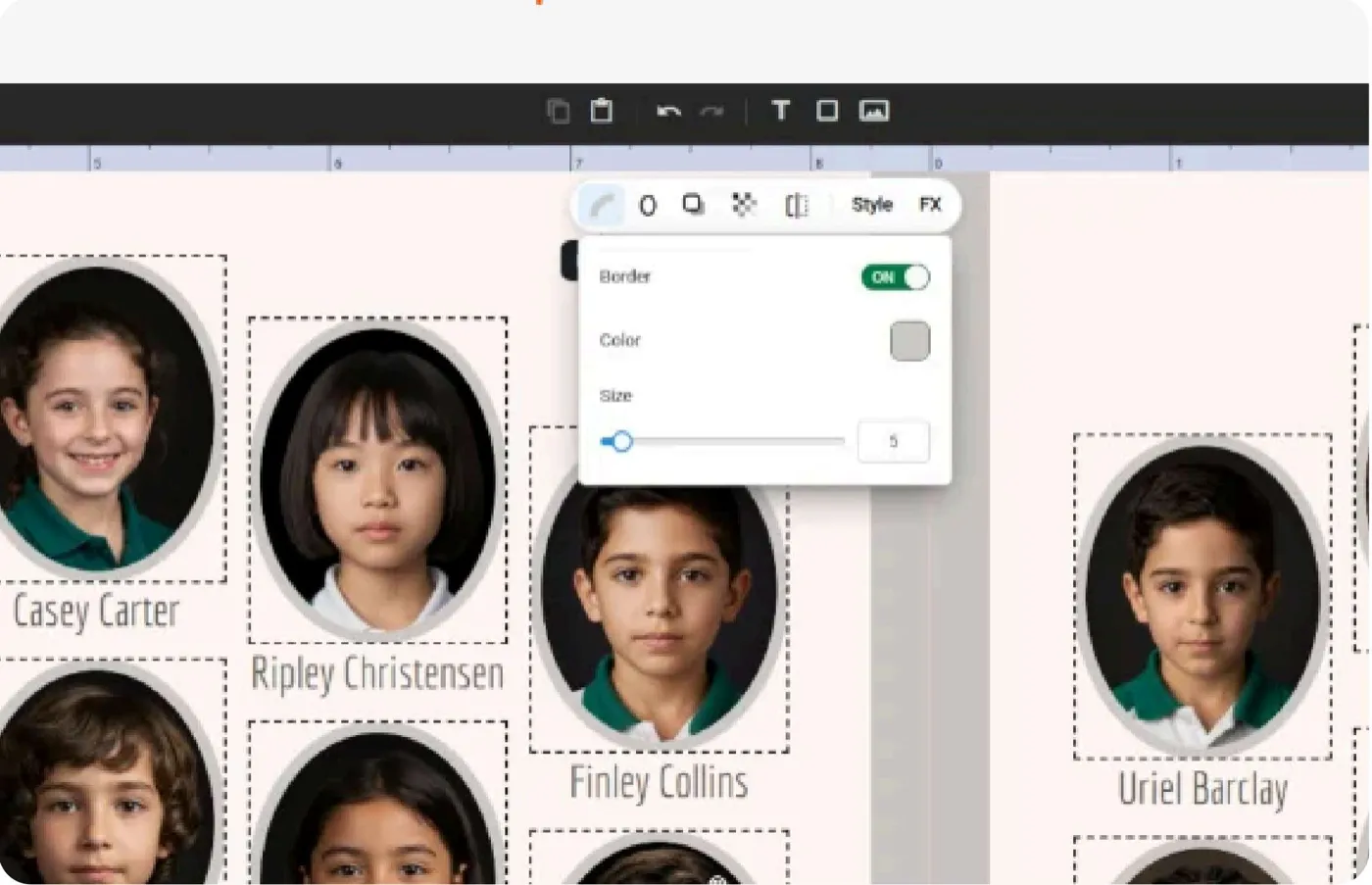
A dockable side panel gives the canvas more space. A new contextual toolbar puts borders, corners, shadows, and opacity one click away, text is edited directly on the page, a new color picker saves an eight-color palette, and zooming inside a frame shows the full photo behind the crop.
More in this release
Those were just the highlights. Additional features included in this release are:
- Section colors
- Easier page management
- Automatic index pages (coming this fall)
- Clearer page proofing
- Design content approval
- More room to design
- Easier zooming and panning
- In-place text editing
- Better color selection
- Faster content search and browsing
- An even better portrait flowing experience
- An improved thumbnail strip
- New layouts, backgrounds, and elements
Browse the details of all new features by downloading the 2026–27 Feature Guide.